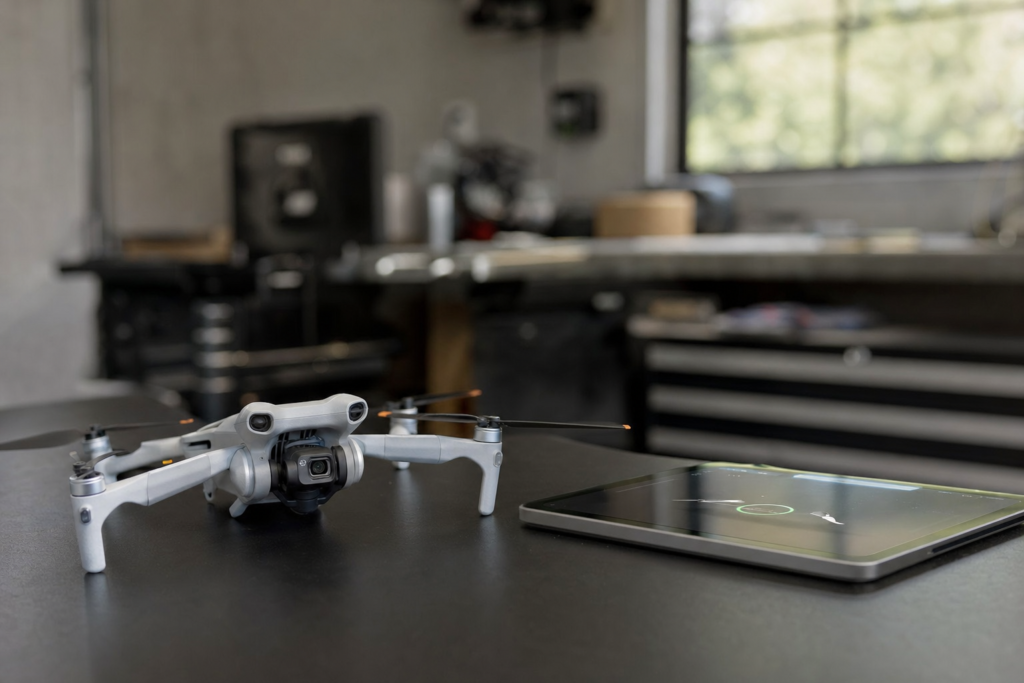
A drone that keeps saying “IMU calibration failed” tempts you to keep tapping the button. Sometimes a retry is the right move. Often it just wastes battery and time, and it can hide a real fault. Here is how to separate a setup or environment problem from a failing sensor or damaged board, and when to stop retrying and book a diagnostic.
What the IMU does, and why it matters
The IMU (inertial measurement unit) is the sensor package that tells the flight controller how the drone is moving and tilting. One repair-focused source describes three parts: an accelerometer for acceleration, a gyroscope for tilt, and a magnetometer for the magnetic field and direction. The flight controller uses that data to decide how much power each motor gets. If the data is wrong, the drone may drift sideways or crash while “thinking” it is flying level.
That is why an unresolved IMU error is not something to fly through. Follow your manufacturer’s guidance on when the aircraft is safe to fly.
Rule out setup and environment first
Many failed calibrations come down to how the drone was set up. DJI’s calibration guide, which applies to its camera drones, lists these preparations:
- Install the correct app, power on the aircraft and link it to the remote controller.
- Make sure the battery is at least 50%.
- Fold the arms (on Mavic series drones) and place the aircraft on a level, dry surface.
- Place the aircraft in each direction the app asks for. DJI warns that not following the on-screen instructions may cause the calibration to fail.
DJI FPV and Avata-series drones need the goggles to run the calibration. Other sources add these points:
- Stay still. One guide says the aircraft must remain perfectly still during the process.
- Check the firmware. DJI’s Mini 2 troubleshooting advice includes confirming the firmware updated successfully.
- Remove the microSD card. For a “Gimbal IMU data error” (code 40021), DJI suggests running gimbal calibration and IMU calibration, and removing any microSD card first.
Environmental triggers
An IMU can also be thrown off by where and how the drone has been. A repair-shop guide lists several triggers: starting up near speakers, iron or high-voltage power lines; weeks of sitting unused, which it says can cause sensor drift; sudden hot or cold changes; and vibration during shipping. Move away from metal and electronics before you calibrate. If the drone just came out of a cold car or sat for months, those are worth considering before you blame the hardware.
A sensible retry routine
- Move to a level, dry surface away from speakers, metal structures and power lines.
- Check the battery level, the app version and that the firmware update completed.
- Restart the aircraft and the app, then run the calibration again, following every prompt and keeping the drone still.
- For a gimbal IMU error, run the gimbal calibration as well, with the microSD card removed.
DJI’s guidance for a failed calibration is to restart the aircraft and repeat the steps. If the problem remains, it says to send the drone in for testing. Check your own manufacturer’s guidance if you fly another brand.
Patterns that point to hardware
It fails again on a clean setup
If you have done the routine above on a level, dry surface with a healthy battery and current firmware, and it still fails, you have done what the manufacturer’s steps ask. Further retries are unlikely to change the result.
It started after a bump or crash
Impact is a listed cause of IMU errors, because a hard landing or crash can upset the calibration of sensitive sensors. A recalibration may fix a mild case. If calibration will not complete after an impact, or the drone still drifts, the sensor or its board may be damaged. Symptoms that suggest the IMU needs attention include:
- constant pulling to one side in a hover
- a crooked horizon in the camera view
- an erratic gimbal during yaw (rotation) movements
- a “System Error” style warning
These symptoms mean calibration is needed. They do not prove the hardware is broken. Calibration that cannot be completed is what shifts the suspicion toward hardware.
Several sensor errors appear together
One repair source describes DJI Mini 3 and Mini 4 Pro drones showing navigation, IMU and GPS errors at the same time, such as codes 30105, 16020004 and 16030004. It says IMU and GPS data on those models travel through a single delicate flex cable, and that crash damage to that cable can trigger all the errors at once. It also says a software update or calibration will not fix a physical break in that data path. The source describes the cable as integrated with the GPS module and not repairable by soldering, with replacement of the module as the fix. Treat this as one shop’s explanation and not a rule for every drone, but the lesson is general: several sensor errors appearing together after an impact point to a shared physical fault more than to a software glitch.
Errors tied to temperature swings
Sudden temperature changes are listed as a trigger for confusing the sensors. As a rule of thumb, if the error shows up only after the drone moves between very different conditions and clears when you retry in a stable setting, the environment is the likelier cause. If it comes back in every condition, treat it as a fault.
| What you see | Leans toward | Next step |
|---|---|---|
| Fails on an uneven surface, low battery or near metal | Setup or environment | Fix the conditions and retry |
| Fails after long storage or shipping | Environment or drift | Update firmware, restart, retry |
| Keeps failing on a clean setup | Possible hardware | Stop and book a diagnostic |
| Started after a crash, with drift or a crooked horizon | Likely hardware | Book a diagnostic |
| IMU, GPS and navigation errors together | Likely hardware | Book a diagnostic |
What not to do next
If hardware is suspected, do not open the drone. In the Mini 3 and 4 example, the repair involves removing the top cover and disconnecting delicate connectors, which the source says belongs in a professional service environment. For anything involving sealed parts, soldering or lithium batteries, use a qualified repair shop or the manufacturer’s service.
Warranty matters here too. DJI’s replacement policy covers products with a manufacturing defect, damage in transit or a significant mismatch with the description, within 30 days of the day after you receive the product. It excludes faults caused by unauthorized modification or improper installation or operation, and cases where testing finds no defect. Opening the drone yourself could put you on the wrong side of those terms. Check your own warranty or care plan before any repair.
Set a limit, then get it checked
A practical rule: after two careful attempts on a clean setup, with a restart in between, stop. Before you book, write down any error codes and the app messages. Note when the problem started, whether a crash or hard landing came first, and what you already tried. A shop or manufacturer service team can work much faster with that record than with “it won’t calibrate.”
Featured image: AI-generated illustration
Footnotes & Sources
- DJI IMU Error & IMU Calibration Guide: Step-by-Step Fix | Odakon, Odakon, August 24, 2026. — What the IMU is and its components, how the flight controller uses IMU data, environmental causes, symptoms, and the Mini 3/4 flex cable example with its repair advice.
- IMU Calibration Guide, DJI. — DJI’s pre-calibration setup requirements, FPV/Avata goggles requirement, restart guidance and send-for-testing advice.
- How to calibrate your drone’s IMU in DJI Fly, help.dronedeploy.com, April 1, 2026. — Keeping the aircraft still and restarting the aircraft and app before retrying.
- DJI Mini 2 Won’t Complete IMU Calibration, DJI, April 14, 2022. — Confirming the firmware update completed when a Mini 2 will not calibrate.
- How can I resolve the issue if the app prompts “Gimbal IMU data error. Contact DJI Support for assistance” (Error Code 40021) during flight?, DJI. — Gimbal IMU data error 40021 steps, including removing a microSD card.
- How do I apply for a replacement?, DJI. — DJI replacement eligibility window and exclusions relevant to warranty.

Leave a Reply